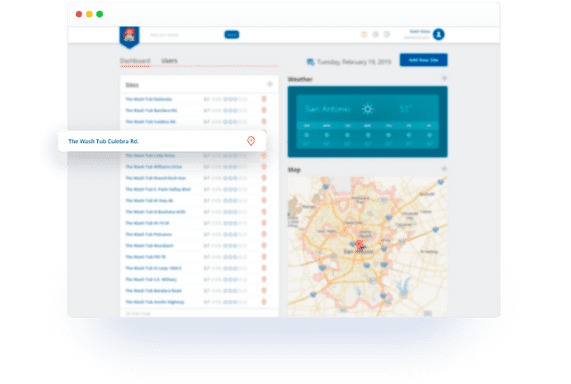
Admin Dashboard
This first dashboard gives you a high level of information. This user-friendly table has a list of each location on a map, POS location, and car washes. Within the dashboard, there are widgets for each location: car count, current sales, cost of labour, number of employees, and sales by department. When you chose a widget, you can see a full detailed description for a specific period, for example: day, week or year.
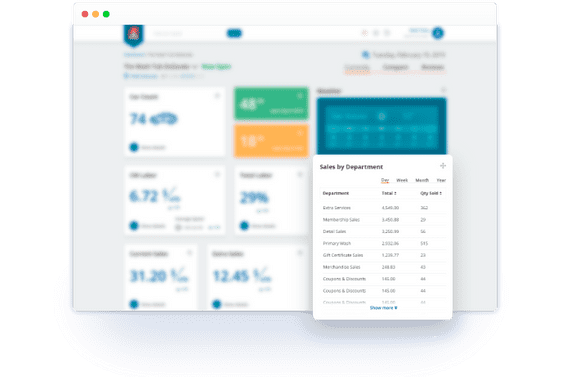
Site Dashboard
In this dashboard, there are two internal pages: current and comparison. The Current page has specific widgets that are similar in the Admin Dashboard. Once you choose a widget you can see detailed information of each location.
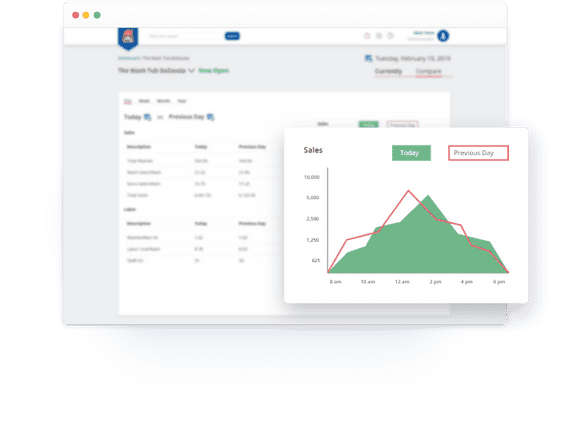
Comparison
The Comparison page is optional for Managers to compare sales and labor figures between locations with info-graphics. Again, you can retrieve detailed information for each location.