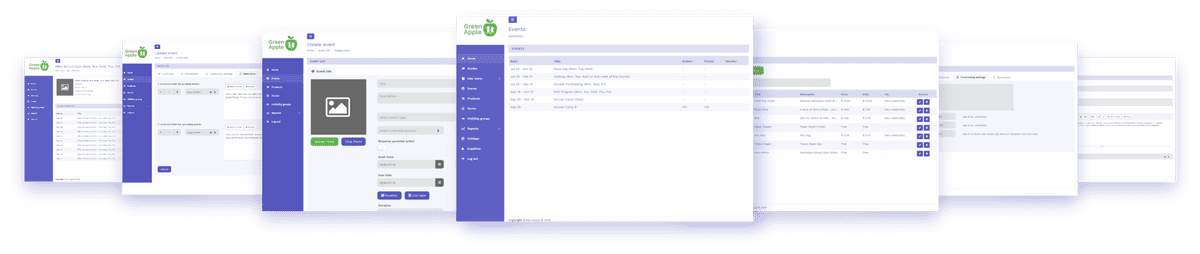
ABOUT DASHBOARDS
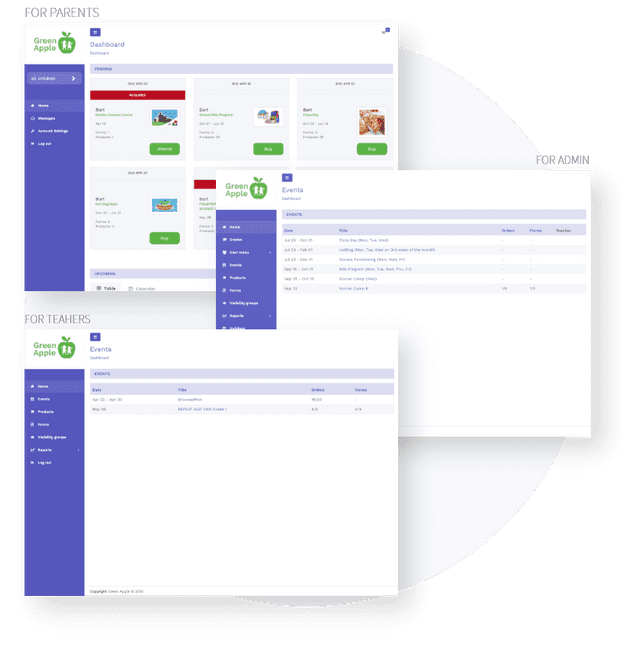
There are 3 types of Dashboards in this application: parents, teachers/adminstrators, and Third-Party Products/Services In the Parent Dashboard, parents will have access to view all activities that require any action; buy a product, attend an event, fundraising, etc. Parents will have the capability to buy one-time or repeat purchases for products and events. All available products/events are displayed at the top of the Dashboard. In the Teacher and Administrator Dashboard, will display all activities: products, events, fundraising, etc.
SCHOOL-RELATED FEATURES
You can view all events and products ( Field Trips, Pizza/Milk Days, Permission Forms ) from one Dashboard. We understand the busy world of work-life balance and we have created a table with all upcoming events/status. Here you can edit events or products from this table or in Calendar Form.
THIRD-PARTY PRODUCTS & SERVICES
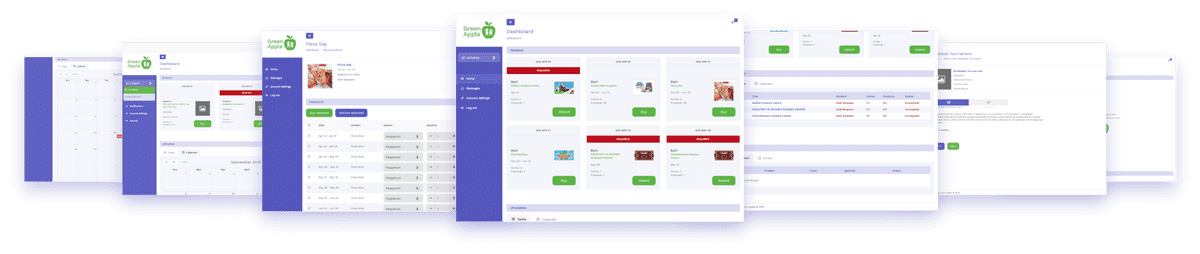
The staff have the option to create or manage an event for each class or the entire school in the Dashboard. Depending on the event type: Field Trips, Nutrition, Supplies in Classroom, Products, Fill out Form, Fundraising, etc, teachers can set specific options for each event. The teacher can create an Umbrella account, duration of the event, reminders for parents and visibility groups and others.As the coordinator, you have the ease of managing other services, ( summer/day camps, tutors, after school programs, etc ). In this Dashboard, the parent and the coordinator have the accessibility to add, remove, make payment to the following event/program.